We’re running a public beta from 30 April to 25 June 2026. Free to download, free to install, free to use. The catch: this is pre-release software and you might find rough edges — the point of the beta is to find them and fix them.
What you get for £0:
• Forge SCADA 1.0.0-beta5 Windows installer (x64, ~70 MB)
• 12-page Install Guide PDF, with the SmartScreen workaround and bug-report instructions
• ~40-page User Manual covering operator and engineer workflows, every menu, every alarm option, the full Modbus driver tunables
• Beta Agreement (the legal bit)
• Bi-weekly beta builds as we work through your reported issues
• At launch: a 50% discount code on the £99 perpetual licence, emailed to every active beta tester
What we need from you: bug reports. Email beta@forgepressure.equipment with whatever you’ve got. Steps to reproduce, screenshots, your project JSON. Every report gets a human reply within 2 business days.
Forge SCADA is a modern desktop SCADA and HMI for industrial process equipment. Built around proper safety practice, designed for the kind of small-to-mid-scale rigs that have outgrown their original software but don’t justify a full DCS. Runs on any Windows 10 or 11 PC. Talks Modbus RTU over RS-485 and Modbus TCP over Ethernet to the controllers and meters you already own. Two interfaces from the same exe: a full engineering desktop for configuration, and a touch-optimised HMI mode for the panel next to the equipment.
What’s in it:
• Modbus RTU and TCP drivers — multi-drop RS-485, configurable baud / parity / slave
• Tag database with scaling, units, deadbands, calculated tags, history logging
• Alarming — high/low/deviation alarms with on-delay, latching, escalation, full alarm history
• Recipes & sequences — multi-step, with set-tag, ramp, wait-time, prompt and abort-on-alarm steps
• Live and historical trending
• Communication watchdog — drives controllers to a defined safe state if the SCADA loses comms
• Users & audit log — bcrypt-hashed accounts, role-based permissions, append-only audit trail
• HMI mode — full-screen touch interface for the panel in the plant room
System requirements: Windows 10 (1809+) or Windows 11, 64-bit, 4 GB RAM, 250 MB disk, USB-to-RS485 adapter or COM port for Modbus RTU, Ethernet for Modbus TCP.
A note on SmartScreen: the installer is not yet code-signed. Windows will show a “Microsoft Defender SmartScreen prevented an unrecognised app from starting” warning when you run it. Click “More info” → “Run anyway”. The bundled Install Guide walks you through this with screenshots.
Not a Safety Instrumented System: Forge SCADA is process-control software, not certified for use as the sole protection mechanism on life-, limb-, or asset-critical processes. Independent hardwired trips, interlocks, and protection layers remain the user’s responsibility — doubly true during the beta. Full disclaimer in the bundled Beta Agreement.
We’re running a public beta from 30 April to 25 June 2026. Free to download, free to install, free to use. The catch: this is pre-release software and you might find rough edges — the point of the beta is to find them and fix them.
What you get for £0:
• Forge SCADA 1.0.0-beta5 Windows installer (x64, ~70 MB)
• 12-page Install Guide PDF, with the SmartScreen workaround and bug-report instructions
• ~40-page User Manual covering operator and engineer workflows, every menu, every alarm option, the full Modbus driver tunables
• Beta Agreement (the legal bit)
• Bi-weekly beta builds as we work through your reported issues
• At launch: a 50% discount code on the £99 perpetual licence, emailed to every active beta tester
What we need from you: bug reports. Email beta@forgepressure.equipment with whatever you’ve got. Steps to reproduce, screenshots, your project JSON. Every report gets a human reply within 2 business days.
Forge SCADA is a modern desktop SCADA and HMI for industrial process equipment. Built around proper safety practice, designed for the kind of small-to-mid-scale rigs that have outgrown their original software but don’t justify a full DCS. Runs on any Windows 10 or 11 PC. Talks Modbus RTU over RS-485 and Modbus TCP over Ethernet to the controllers and meters you already own. Two interfaces from the same exe: a full engineering desktop for configuration, and a touch-optimised HMI mode for the panel next to the equipment.
What’s in it:
• Modbus RTU and TCP drivers — multi-drop RS-485, configurable baud / parity / slave
• Tag database with scaling, units, deadbands, calculated tags, history logging
• Alarming — high/low/deviation alarms with on-delay, latching, escalation, full alarm history
• Recipes & sequences — multi-step, with set-tag, ramp, wait-time, prompt and abort-on-alarm steps
• Live and historical trending
• Communication watchdog — drives controllers to a defined safe state if the SCADA loses comms
• Users & audit log — bcrypt-hashed accounts, role-based permissions, append-only audit trail
• HMI mode — full-screen touch interface for the panel in the plant room
System requirements: Windows 10 (1809+) or Windows 11, 64-bit, 4 GB RAM, 250 MB disk, USB-to-RS485 adapter or COM port for Modbus RTU, Ethernet for Modbus TCP.
A note on SmartScreen: the installer is not yet code-signed. Windows will show a “Microsoft Defender SmartScreen prevented an unrecognised app from starting” warning when you run it. Click “More info” → “Run anyway”. The bundled Install Guide walks you through this with screenshots.
Not a Safety Instrumented System: Forge SCADA is process-control software, not certified for use as the sole protection mechanism on life-, limb-, or asset-critical processes. Independent hardwired trips, interlocks, and protection layers remain the user’s responsibility — doubly true during the beta. Full disclaimer in the bundled Beta Agreement.

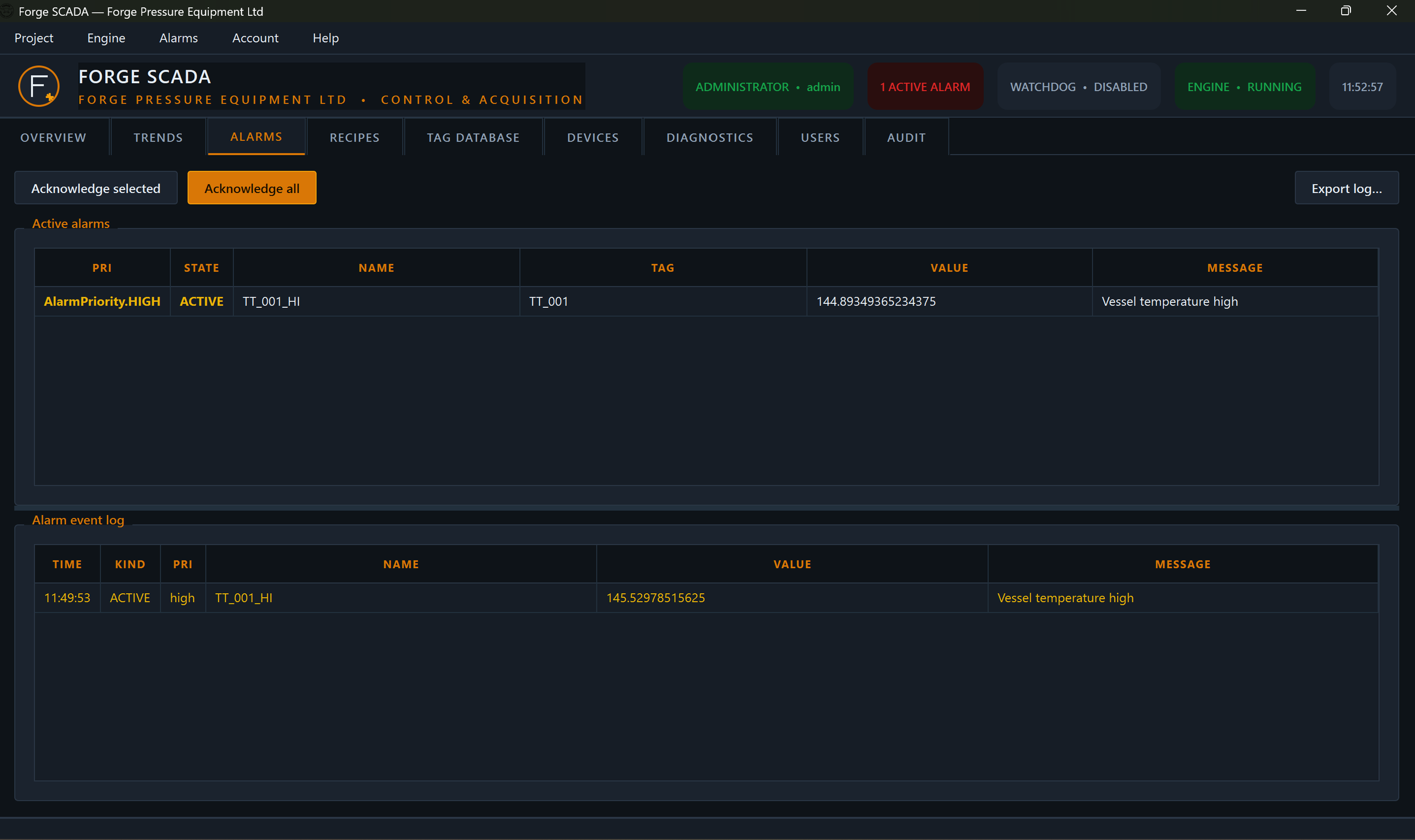 Image 1 of 9
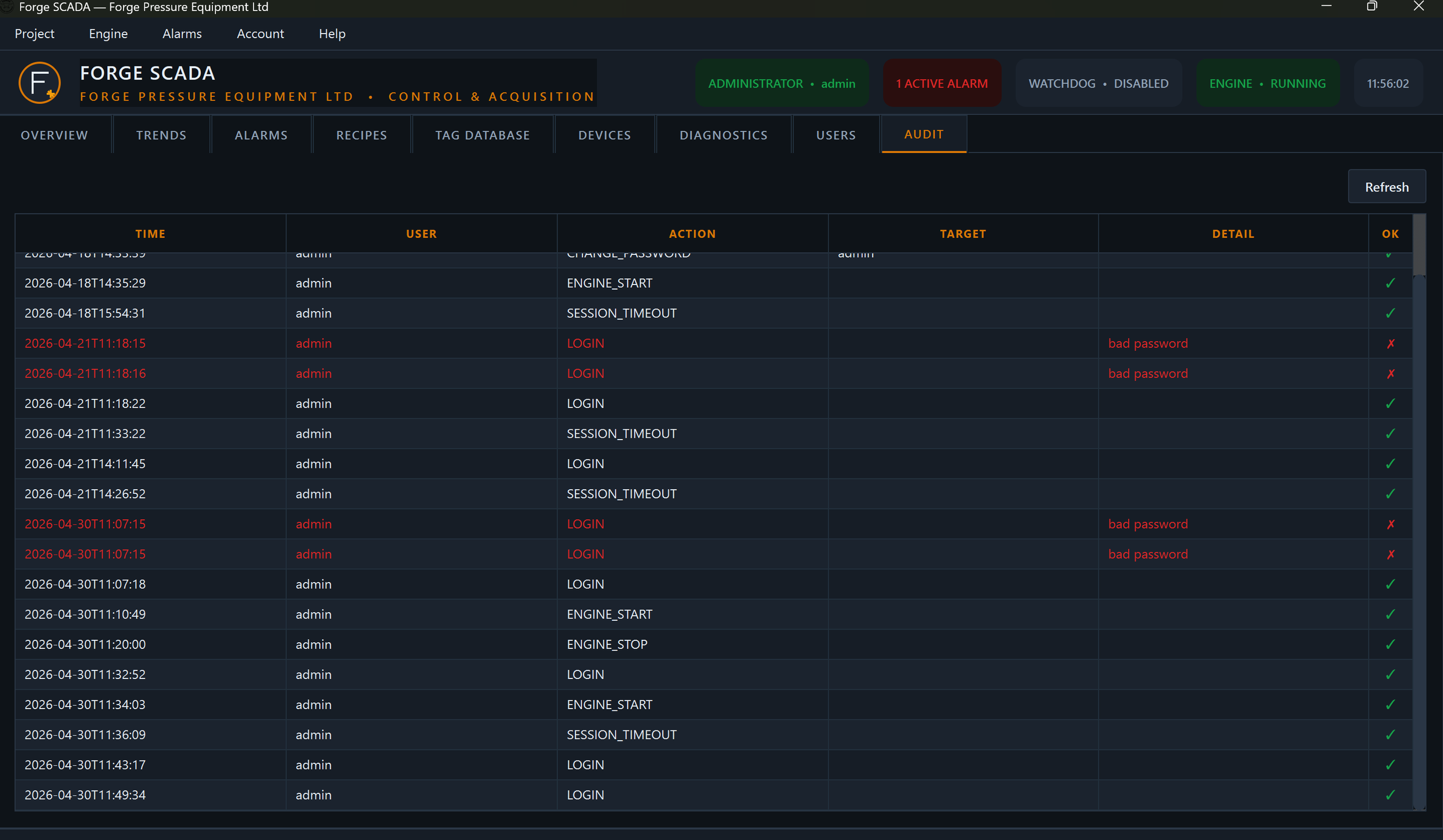 Image 2 of 9
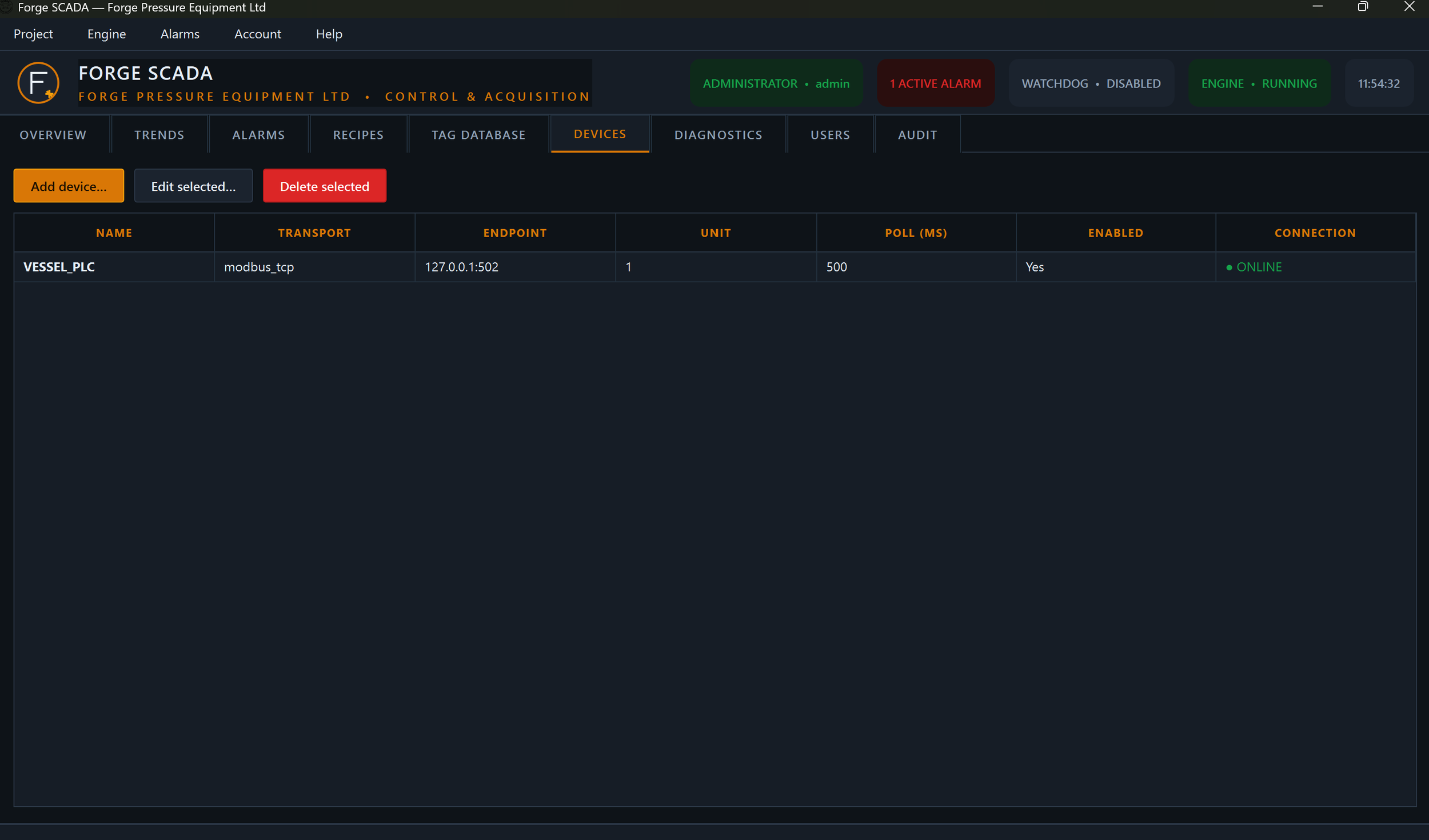 Image 3 of 9
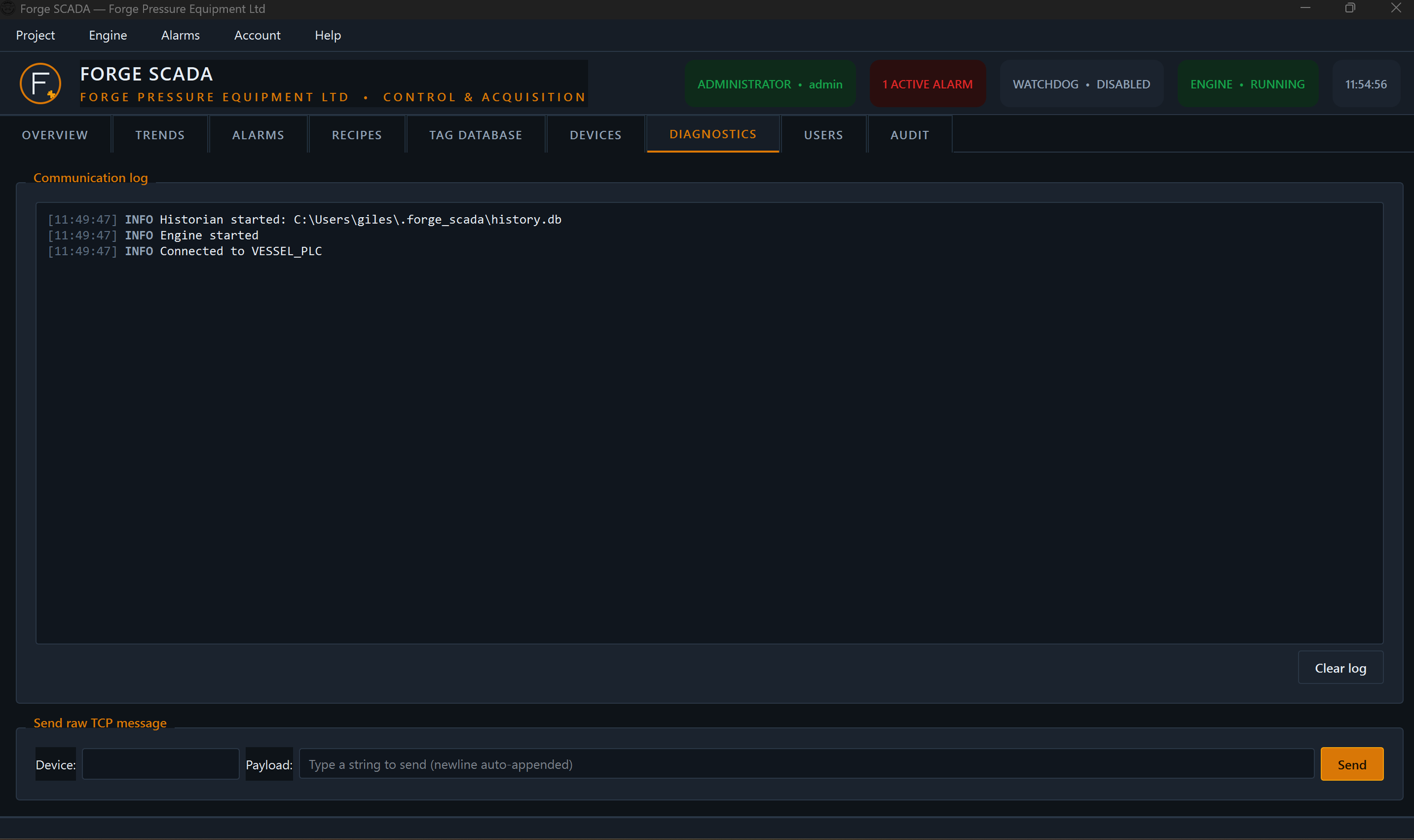 Image 4 of 9
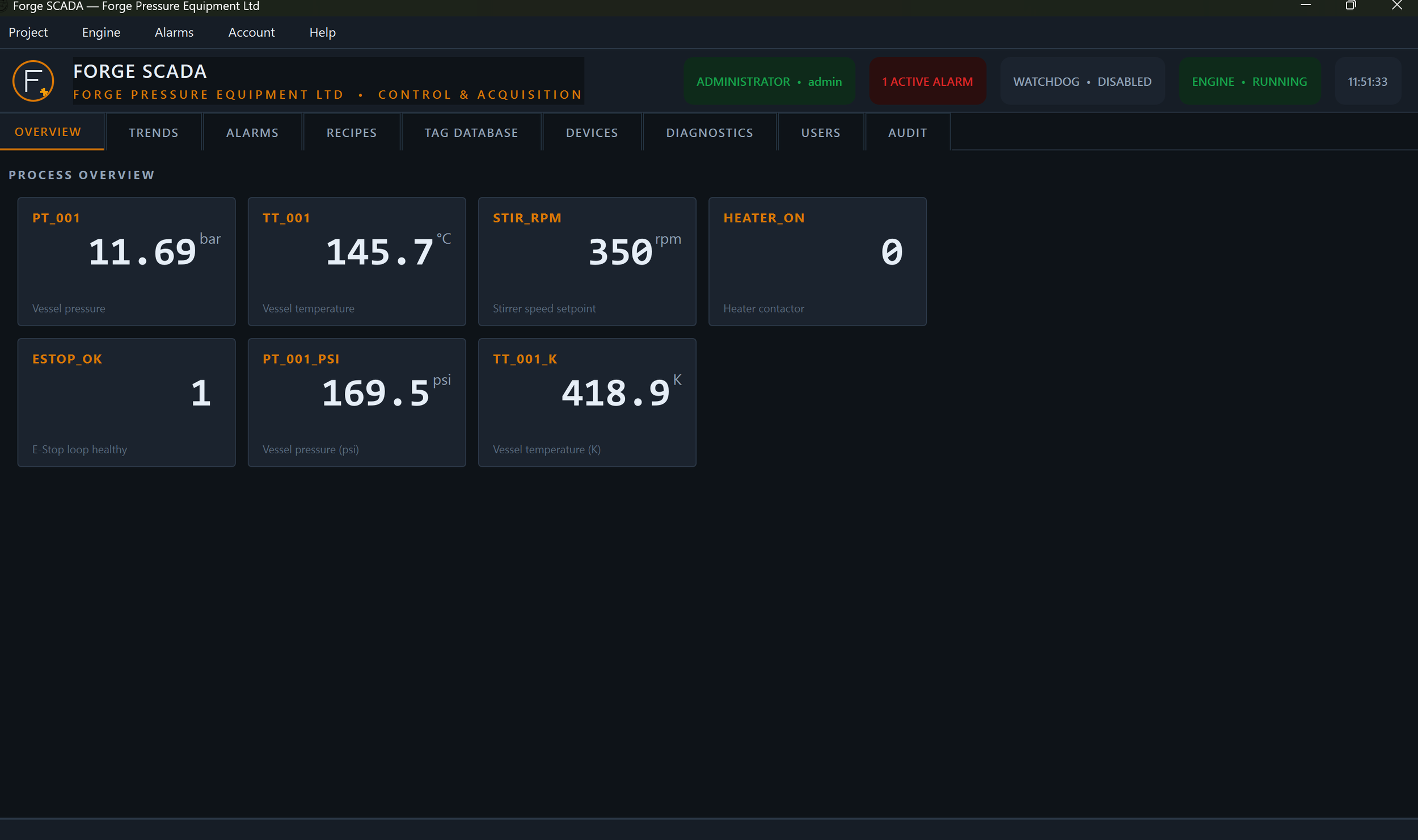 Image 5 of 9
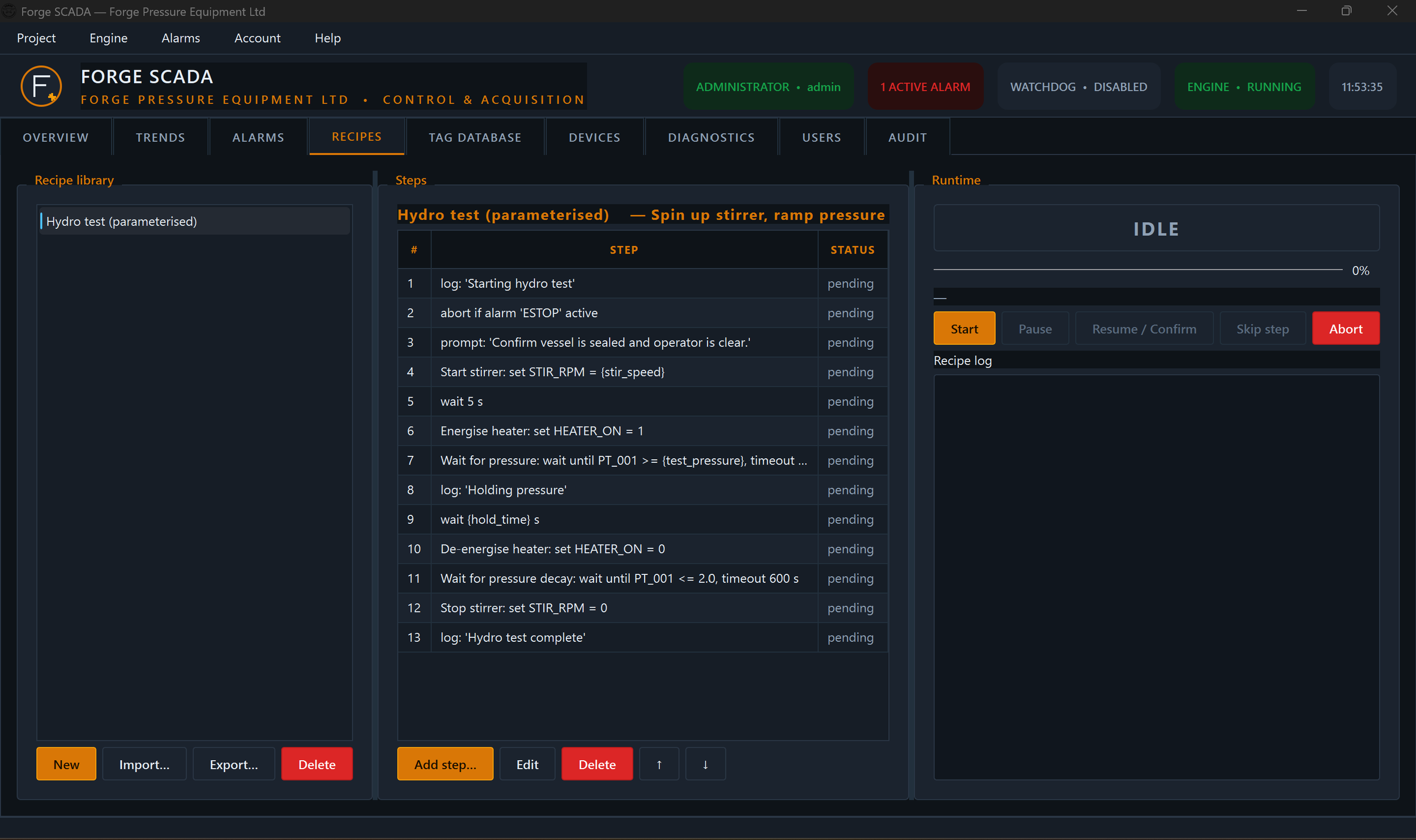 Image 6 of 9
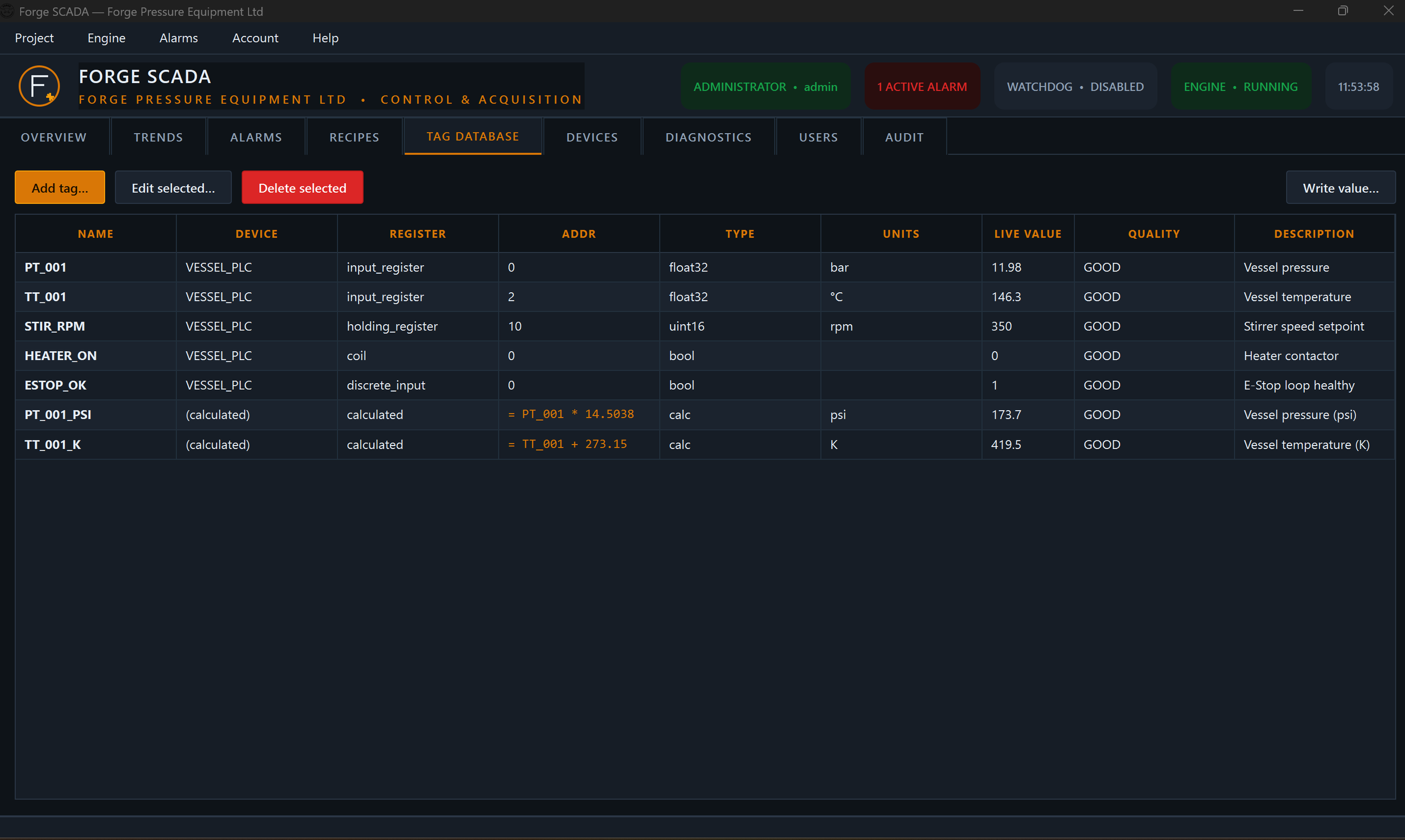 Image 7 of 9
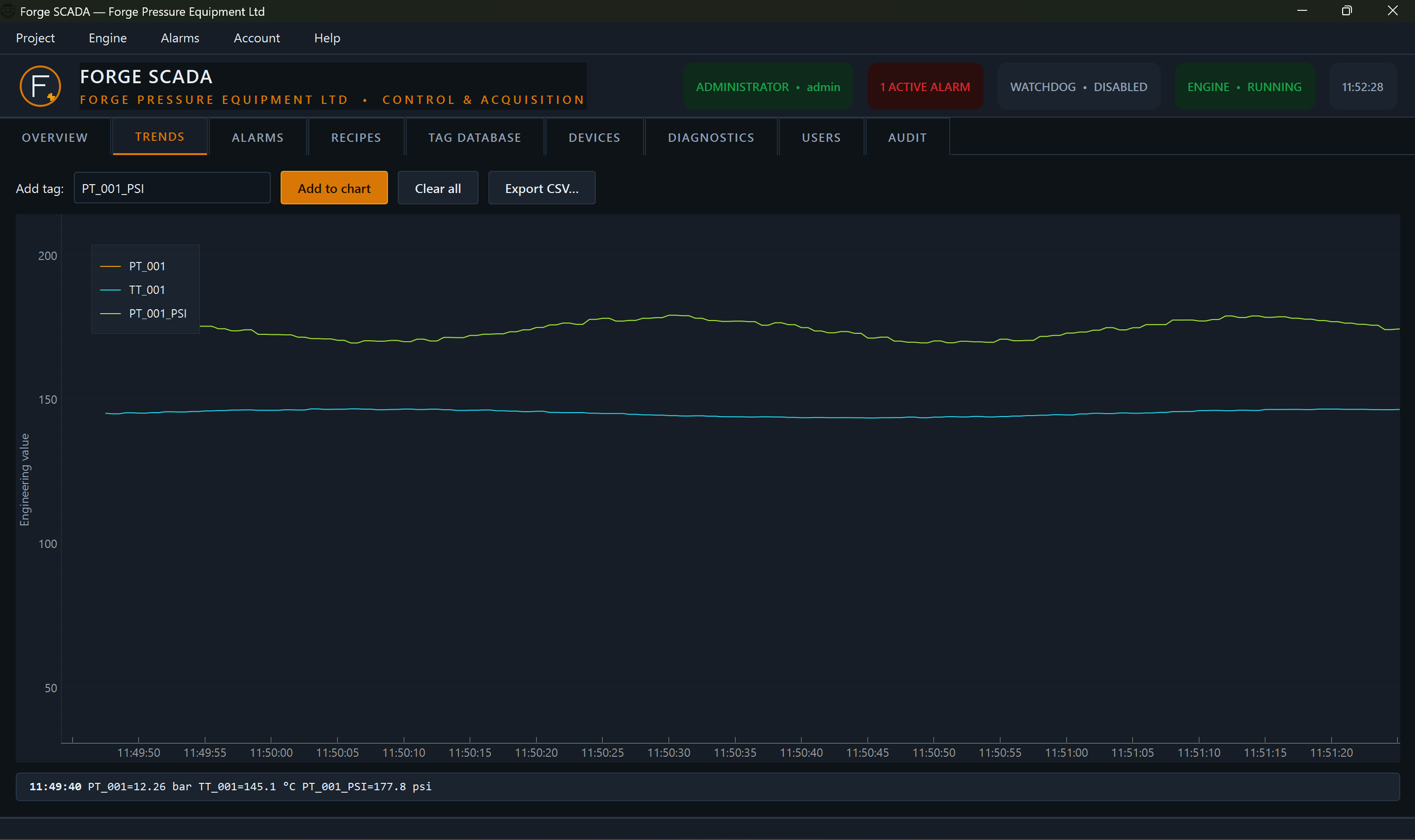 Image 8 of 9
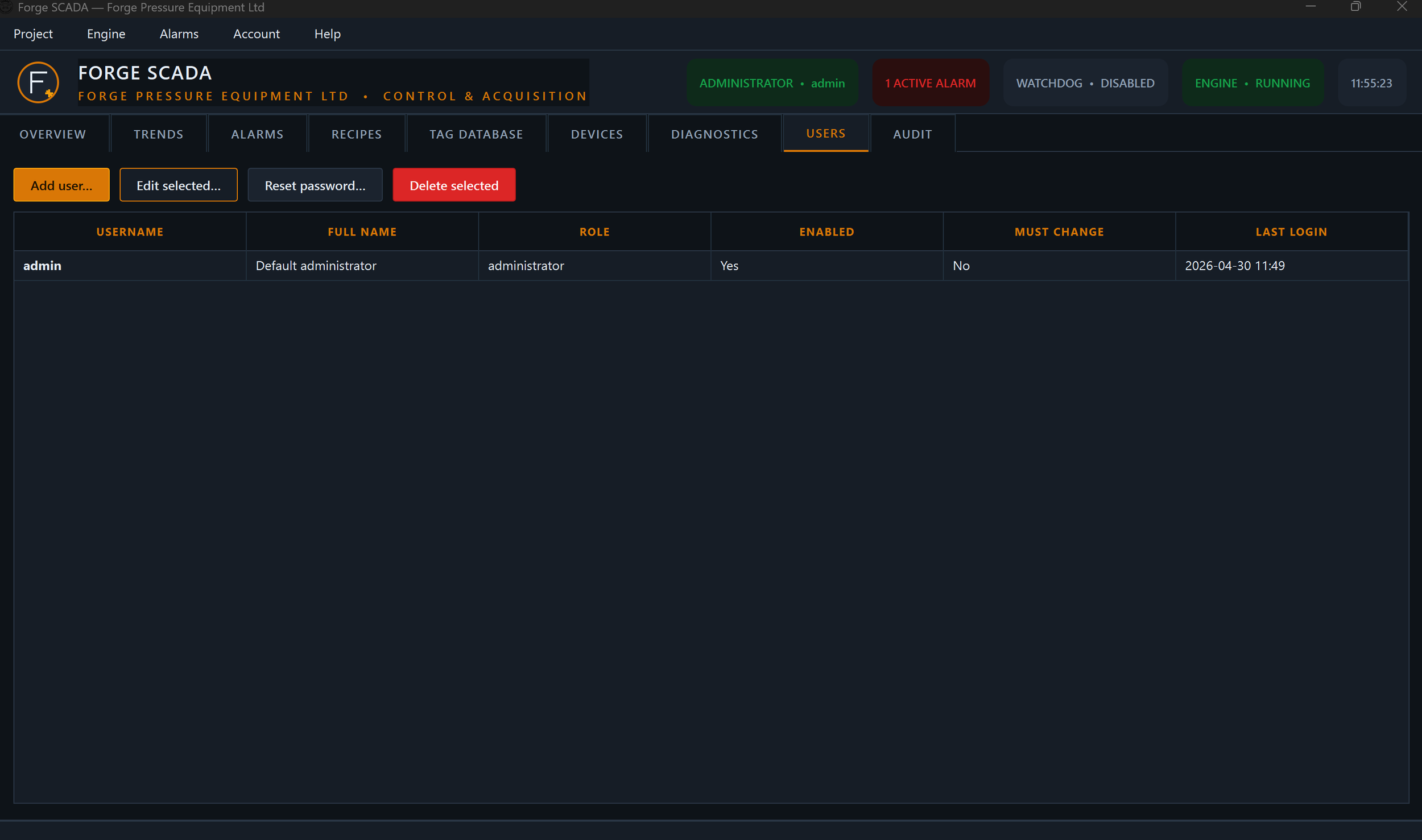 Image 9 of 9